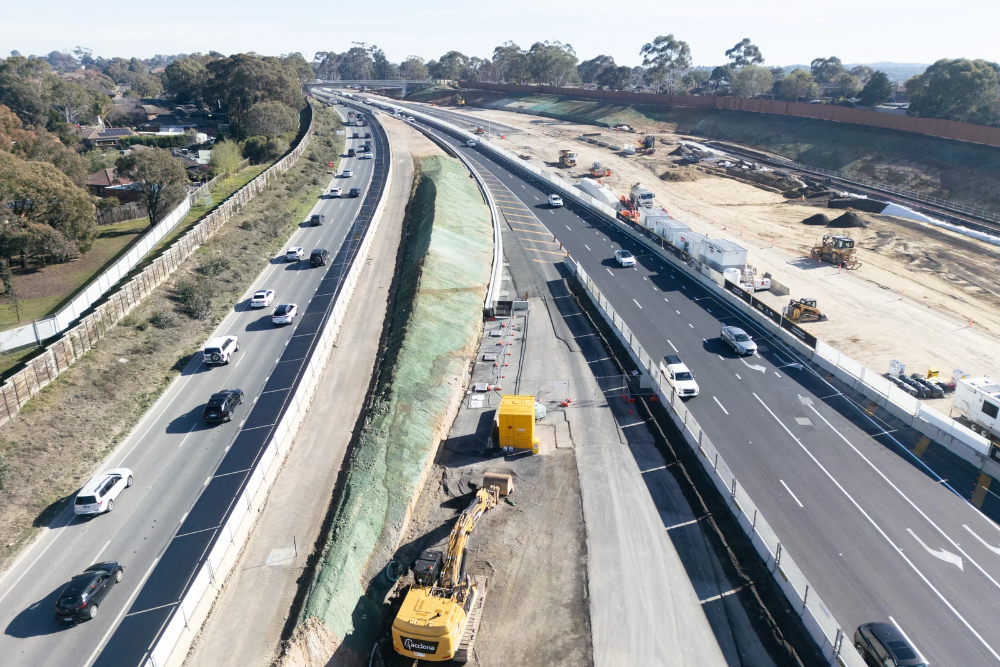
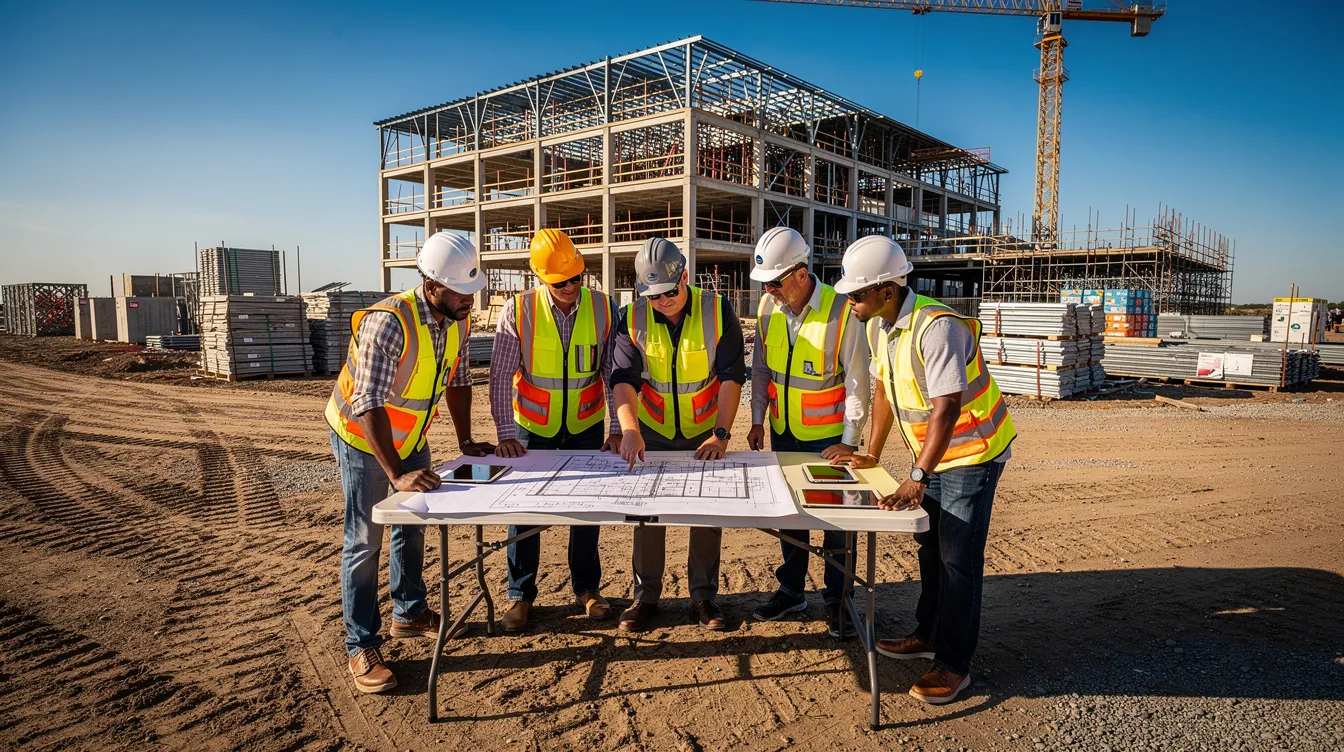

Artificial intelligence is moving from experiment to operational decision for commercial contractors. But across Greater Austin, Waco, and the I-35 corridor, many firms focus on tools before confirming whether the business is ready to use them well. This checklist helps construction leaders assess readiness before spending more money on AI-enabled software that depends on clean data, repeatable workflows, and accountable ownership.
Key Takeaways
Contractor interest in AI is growing, but interest alone does not create value. Construction Executive recently reported that construction and architecture-engineering firms are investing in technology and AI to improve productivity. ABC National’s AI Resource Guide similarly focuses on practical contractor uses such as jobsite documentation, RFP analysis, and vendor communication. Those opportunities are real, but they depend on readiness first.
- Being AI-ready means having reliable project data, standardized workflows, and clear ownership for technology decisions. It does not start with buying more software.
- This article provides a practical readiness checklist for commercial contractors in Austin, Round Rock, San Marcos, Waco, and the broader Central Texas market.
- For many firms, the first bottlenecks are basic: inconsistent cost codes, scattered files, uneven field reporting, and unclear governance around new tools.
- ABC Central Texas offers related education and peer-learning opportunities, including AI in Construction: Practical ROI for Central Texas Contractors and the annual Construction Summit, for members who want to move from curiosity to a disciplined first pilot.
Why AI Readiness Matters Now for Central Texas Contractors
The regional labor market helps explain why this issue is becoming more urgent. The U.S. Bureau of Labor Statistics reported 98,500 mining, logging, and construction jobs in the Austin-Round Rock-San Marcos metro area in August 2026. In a market with active commercial work, tight schedules, and ongoing competition for experienced staff, even modest improvements in estimating speed, document retrieval, reporting quality, or schedule visibility can make a difference.
That pressure is one reason more firms are exploring AI. But interest and readiness are not the same thing. A contractor can be excited about AI-assisted estimating, document search, or project reporting and still be poorly positioned to benefit if project information is inconsistent, reporting habits vary by team, or no one owns the rollout. In practice, many disappointing AI pilots are not failures of the tool itself. They are failures of preparation.
For Central Texas merit shop contractors, that makes AI readiness a business-discipline question, not just a technology question. Firms that already manage documentation, handoffs, accountability, and review processes well are better positioned to test AI use cases without creating confusion or unnecessary risk.
What “AI-Ready” Actually Means on a Jobsite and in the Office
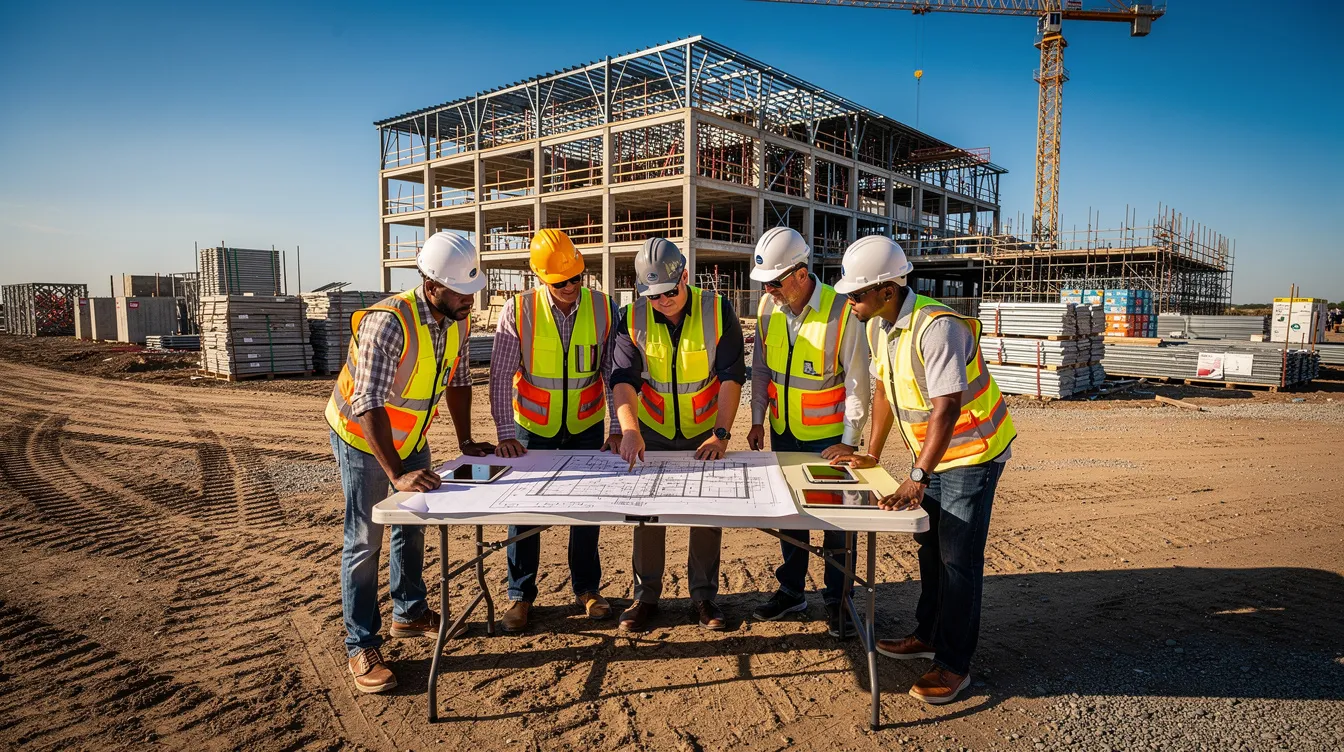
AI readiness in construction means your existing systems and habits can support dependable output. It is less about having the newest platform and more about whether your company can provide usable inputs, maintain consistent workflows, and review results responsibly.
In the office, that usually means consistent cost codes, organized bid files, searchable project records, and a clear understanding of where current budgets, schedules, and contract documents live. If similar projects are stored in different naming systems across different drives, an AI tool will struggle to surface reliable patterns or useful comparisons.
In the field, readiness depends on disciplined reporting and documentation. Daily reports, photos, safety observations, inspection logs, and equipment records need to be completed consistently enough that project teams can trust what is being captured. ABC National’s AI Resource Guide highlights jobsite documentation as one practical use case, but that value only appears when the underlying documentation habit already exists.
Readiness also includes review and accountability. AI can help search, summarize, sort, or flag issues. It should not replace qualified judgment on estimates, schedules, contract language, owner communications, or safety decisions. A contractor is more AI-ready when the team already knows who reviews outputs, who corrects errors, and who decides whether to expand a pilot.
A Central Texas Contractor’s AI Readiness Checklist
Use this as a practical scoring exercise at your next operations or preconstruction meeting. Mark each item as solid, work in progress, or not started.
1. Standardized job numbers and cost codes. Projects follow a consistent numbering structure and cost-code logic across departments, rather than relying on one-off spreadsheets or inconsistent naming.
2. One system of record, or a clear document hierarchy. The team knows where the current budget, schedule, drawings, and contract documents live, and each has one authoritative version.
3. Defined field-reporting habits. Daily reports, site photos, safety observations, and inspection logs follow a repeatable process and are completed on time.
4. Searchable project records. RFIs, submittals, change orders, meeting notes, and closeout files are stored in ways that people can actually retrieve later.
5. Clean historical data. Vendor lists, production assumptions, budget histories, and change-order logs are organized well enough to support comparisons across jobs.
6. Governance for new tools. The company has a clear answer to who evaluates tools, who approves them, who manages integrations, and who measures results.
7. Security and privacy review. Before connecting any AI tool to project data, the firm reviews access controls, confidentiality obligations, and how the vendor handles sensitive information.
8. Defined success metrics. Before launching a pilot, the team can describe what improvement should look like, such as faster submittal processing, less document-hunting time, or better reporting completion.
If more than half of these items are still in the not started category, the better next step is probably cleanup and standardization before expanding the software.
Data Quality Is Usually the First Gate
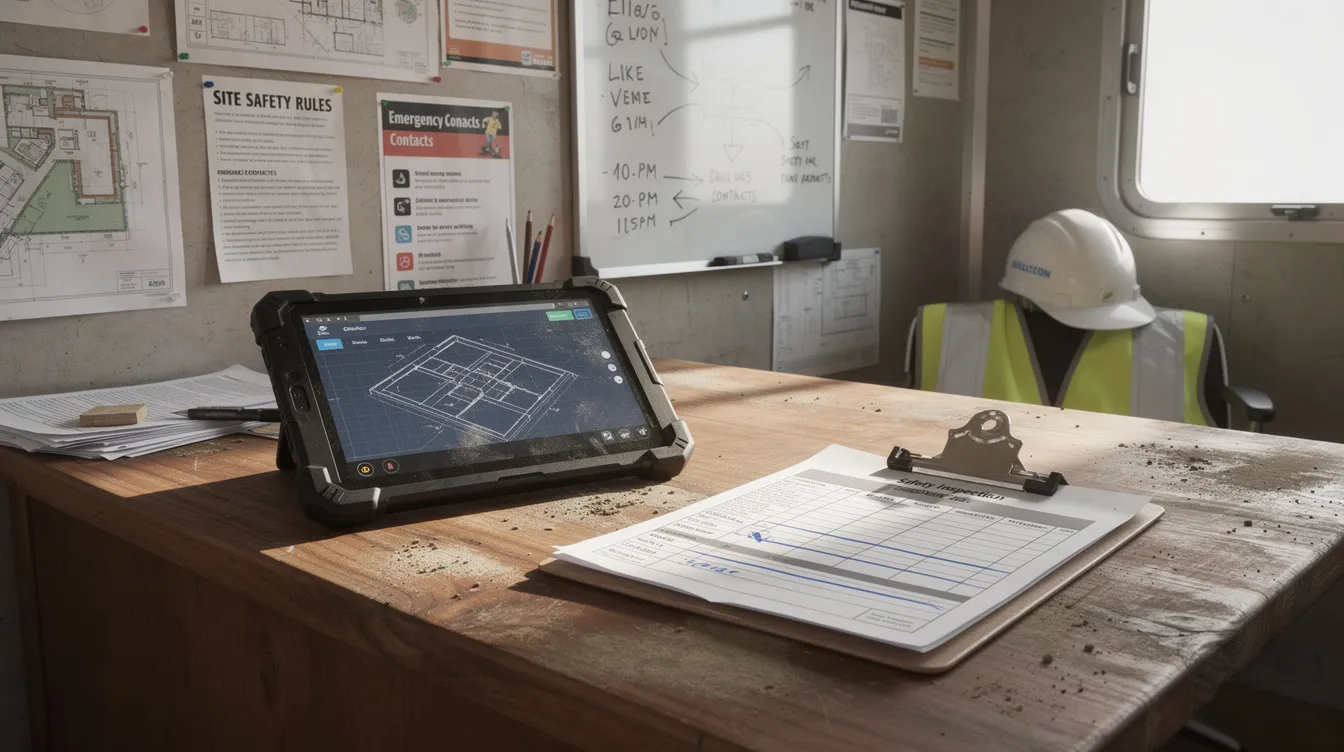
For many contractors, data quality is the first true readiness test. AI tools can help organize, search, compare, or summarize project information, but they are only as useful as the records they can access.
Typical contractor problems are familiar: estimating files spread across personal drives, inconsistent job naming between departments, missing change-order history, and documents saved as PDFs that are difficult to search or sort. In that environment, a software demo may still look impressive, but day-to-day use often produces weak output and low trust.
That is why many firms get more value from data cleanup than from rushing into a broad AI purchase. Before pursuing advanced features, contractors can make meaningful progress by consolidating active job lists, standardizing naming conventions, aligning cost codes, tightening change-order logs, and defining where final records belong. Those steps aren’t glamorous, but they often make the difference between a tool that helps and one that adds noise.
A simple test is to ask whether your team can quickly locate the last ten similar projects, compare how they were coded, and retrieve the documents needed to study outcomes. If that is difficult, readiness work should start there.
Process Consistency Matters as Much as Data
Even clean data does not solve everything. AI performs better when the underlying workflow is reasonably consistent from job to job. If one project manager handles RFIs one way, another uses a separate folder structure, and a superintendent keeps key notes in text messages, automation and analysis become harder to trust.
Before rolling out AI tools, contractors should look closely at a few core workflows:
- Preconstruction handoff between estimating and operations
- Daily reporting and jobsite documentation
- RFI and submittal routing
- Change-order documentation
- Safety observations and inspection records
- Closeout and turnover documentation
OSHA’s safety resources offer a useful parallel here. OSHA emphasizes management leadership, worker participation, hazard identification, training, self-evaluation, and leading indicators as part of effective safety and health programs. The lesson for AI readiness is similar: reliable output depends on disciplined habits, not just on having a tool available.
For a Central Texas contractor running fast-moving commercial work, repeatable workflows matter because they reduce confusion before layering on technology. AI can support a good process. It does not create one from scratch.
Governance, Ownership, and Cybersecurity
Readiness also depends on who owns the decision. In many firms, AI evaluation should not be left to scattered one-off subscriptions by individual teams. A more durable approach is to give one accountable leader, or a small cross-functional group, responsibility for evaluating use cases, approving pilots, coordinating integrations, and reviewing results.
That group does not need to be large. But it should include the people who understand operations, finance, field use, and technology risk. Without that coordination, contractors often end up with overlapping platforms, duplicate data entry, and unclear accountability when a tool underperforms.
Cybersecurity belongs in the same conversation. Once AI tools touch project records, contract documents, financial information, or owner communications, the firm should review vendor access, user permissions, storage practices, and contractual confidentiality obligations. This article is not legal advice, but the practical point is straightforward: readiness includes knowing what information a tool can reach and who is responsible for protecting it.
That is one reason the annual Construction Summit and related ABC Central Texas peer-learning opportunities can be useful. Technology adoption becomes easier to evaluate when contractors compare not only features, but also governance, rollout discipline, and internal controls.
Where Contractors Usually Get Stuck
Most readiness problems are predictable. Contractors usually struggle in one or more of these areas:
- Buying tools before defining the problem. A firm subscribes to an AI feature without deciding which workflow it should improve.
- Running pilots with no owner. The test begins, but no one owns adoption, feedback, or measurement.
- Ignoring field adoption. Office leadership likes the concept, but superintendents and foremen are never shown a practical workflow that fits how the job actually runs.
- Underestimating integration work. The tool sounds efficient until the team realizes the needed project information lives in several systems that do not align well.
- Skipping measurement. The firm never defines whether success means time saved, faster retrieval, fewer errors, or some other operational gain.
These are not signs that AI has no value. They are signs that readiness work needs more attention than vendor selection.
What to Pilot First if Your Firm Is Ready
If your company scores well on the readiness checklist, start with one narrow pilot instead of a companywide rollout. The safest first use cases usually reduce repetitive work without shifting final decision-making away from experienced staff.
Reasonable first pilots for many contractors include:
- Document search and retrieval across specifications, RFIs, submittals, and meeting notes
- RFP or contract-review assistance that helps flag sections for human review
- AI-assisted organization of project files and closeout records
- Structured jobsite documentation workflows tied to photos and daily reports
ABC National’s AI Resource Guide specifically points to jobsite documentation, RFP analysis, and vendor communication as practical applications. That makes a good first-pilot filter: choose a use case that addresses a real bottleneck, has an obvious owner, and can be measured within a defined review period.
Most firms do not need a dramatic first win. They need a credible one. A pilot that helps project teams find information faster or document work more consistently may create more long-term value than a bigger promise the company isn’t ready to support.
Training and Change Management Still Decide the Outcome
Even when the data and process pieces are in place, people still determine whether a pilot works. Teams need to know what the tool is for, what problem it is solving, how the workflow changes, and where human review remains required.
This is one place where the distinction between tool readiness and workforce readiness becomes important. Contractors may have software access and still lack the field habits or office discipline needed to use it well. ABC Central Texas has already addressed that side of the issue in Why Central Texas Contractors Need an AI-Ready Workforce, Not Just AI Tools. This article focuses on the operational checklist that should come alongside that workforce conversation.
Two practical steps can improve adoption quickly:
- Use an existing meeting structure, such as foreman meetings or operations reviews, to explain the pilot and gather feedback.
- Assign both an office-side owner and a field-side champion so the workflow is tested where the work actually happens.
The goal is not to make every employee an AI expert. The goal is to make sure the team understands the workflow well enough to produce consistent inputs and catch bad outputs before they cause problems.
How ABC Central Texas Can Support the Next Step
ABC Central Texas serves commercial contractors across Greater Austin, Round Rock, San Marcos, Waco, and the broader Central Texas region. For firms evaluating AI readiness, the chapter’s value is less about promoting a specific platform and more about helping members compare what is working, where firms are getting stuck, and which operational habits need strengthening first.
That makes readiness a natural fit for chapter education, peer discussion, and events. Contractors that want to think through AI adoption more practically can start with AI in Construction: Practical ROI for Central Texas Contractors and continue the conversation through chapter programming such as the Construction Summit.
Your next step: run this checklist internally with your operations, preconstruction, and field leaders. If the score shows weak data discipline, inconsistent workflows, or unclear ownership, fix those issues before expanding your software stack. If the fundamentals are already in place, choose one narrow pilot and measure it honestly.
Frequently Asked Questions About AI Readiness for Construction Contractors
Below are answers to common questions about this topic.
How is AI readiness different from general digital transformation in construction?
Digital transformation is broad. It can include mobile apps, cloud storage, ERP upgrades, drones, and digital project controls. AI readiness is narrower. It asks whether your data, workflows, governance, and team habits are consistent enough to support AI-assisted analysis, search, organization, or prediction in a way people can trust.
Does a contractor need a full-time IT department to start with AI?
No. Many mid-sized firms can begin with existing software support, outside guidance, and internal operations leadership. What matters more is having a named owner for the pilot and a clear process for review, approval, and measurement.
Which departments should be involved in a first AI pilot?
At minimum, involve the people who own the workflow being tested. In many firms that means some combination of estimating, project management, field supervision, accounting, and safety. The exact mix should follow the use case.
How quickly should a firm expect results from a pilot?
A well-scoped pilot should usually produce a directional answer within a defined review window, often 60 to 90 days. The important part is not speed alone. It is whether the company set baseline measures in advance and can tell if the workflow actually improved.
What should legal or risk-management teams review before the company connects AI tools to project data?
They should review confidentiality obligations, data access, how the vendor handles project information, user permissions, and responsibility for reviewing AI-generated output before relying on it. The exact contract and risk questions will vary by firm and tool, so project-specific review remains important.