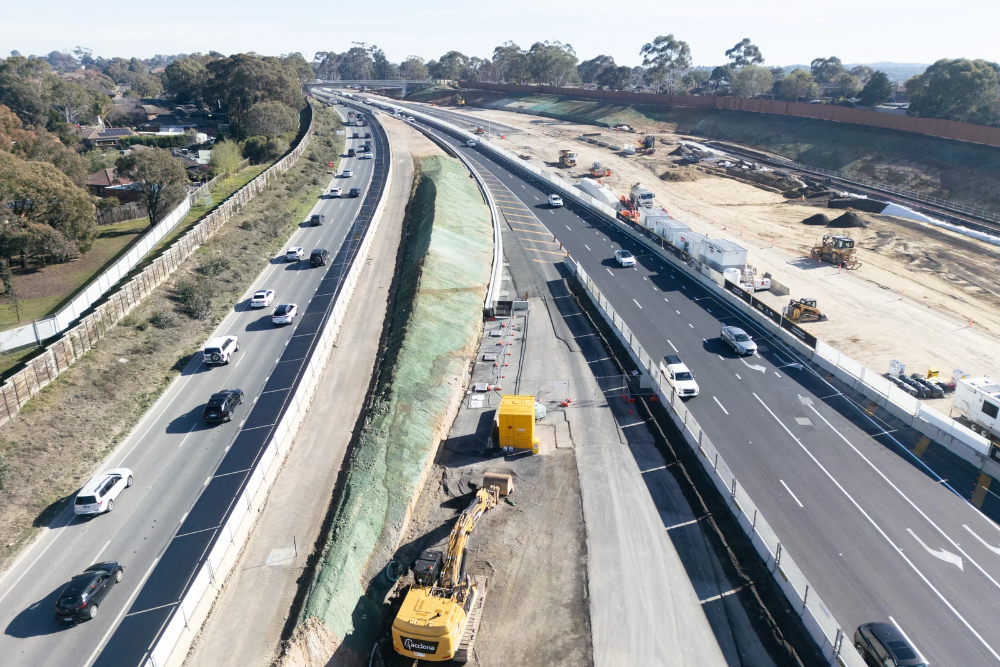


Construction automation decision-making is no longer a future-facing discussion for Central Texas contractors. It is a live jobsite management issue across Greater Austin, the I-35 corridor, and other fast-growing parts of the region. The real question is not whether automation belongs in construction. It is where automation should stop on a jobsite, who has authority over it, and how to maintain accountability when the stakes are high.
Key Takeaways
Construction automation includes tools that capture information, generate recommendations, and in some cases perform repeatable physical tasks. For Central Texas contractors, the practical issue is not adopting technology for its own sake. It is deciding which tasks automation can support and which decisions must remain in human hands.
Construction Executive recently framed this issue directly in its article on where automation should stop on a jobsite and who should decide. That question matters in Central Texas because schedule pressure, multi-employer coordination, and fast-moving project conditions can make a bad automated recommendation expensive very quickly.
Automation can help with repeatable monitoring, data capture, reporting support, and other structured workflows. Human judgment should remain in control of stop-work decisions, contract interpretation, quality acceptance, and major client or cost commitments. The strongest approach is not full trust or full rejection. It is clear guardrails, named human owners, and written override authority.
If your company is already using drones, AI-assisted reporting, cameras, or automated equipment on active projects, now is the time to define where those systems stop and who makes the final call.
Why Automation Boundaries Matter Now in Central Texas
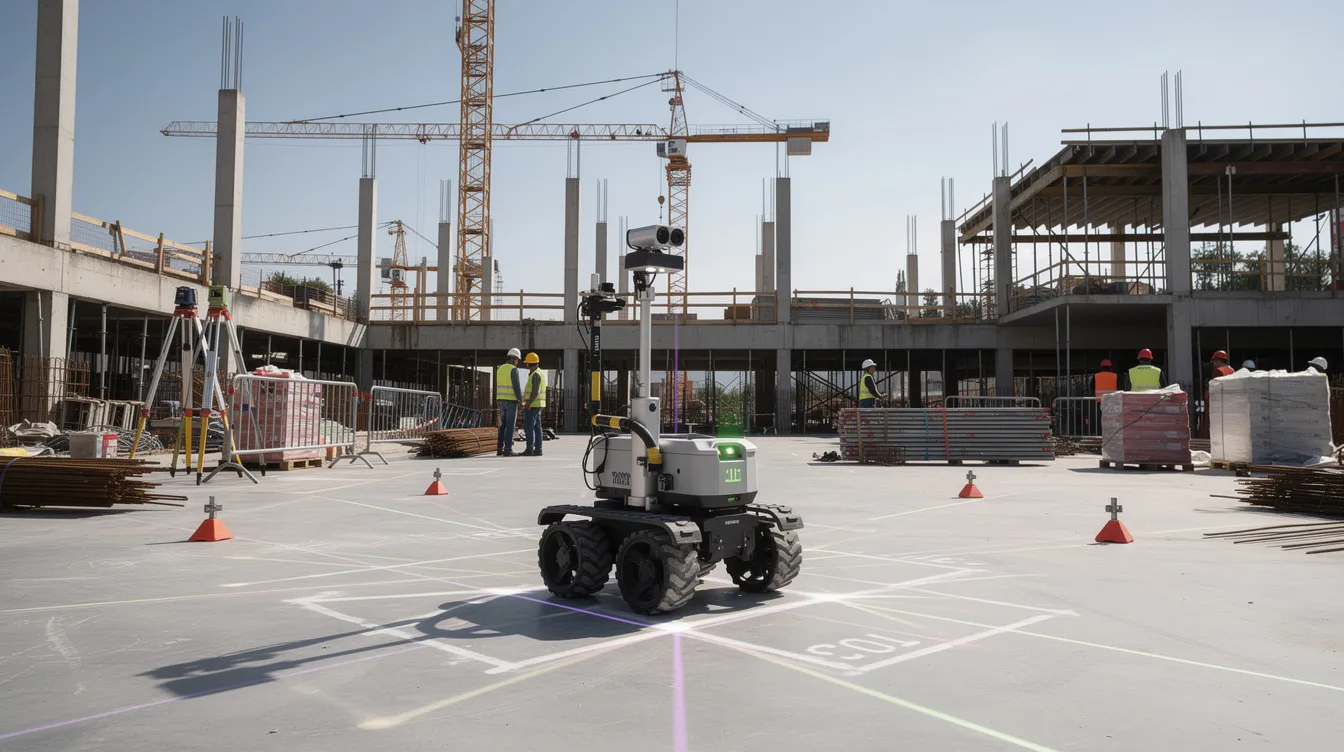
Automation is no longer hypothetical. On active projects, contractors may already be using layout tools, drones, AI-assisted documentation, camera systems, and equipment with growing autonomy. Construction Executive’s October 15, 2026, article on this topic argues that construction’s future will be shaped by how thoughtfully leaders balance automation with human judgment, not by automation alone.
That national conversation translates well to Central Texas. Contractors in Austin, Round Rock, San Marcos, Waco, and along the I-35 corridor are often managing compressed schedules, overlapping trades, and owner expectations for faster reporting and tighter coordination. In that environment, a tool that speeds up information flow can be helpful. A tool that starts to replace review, judgment, or accountability can create new risk just as quickly.
ABC Central Texas already covers proactive safety technology and jobsite decision-making in related resources. This article stays narrower. It focuses on the line between automation support and human authority on the jobsite.
What Construction Automation Should Handle, and What Must Stay Human
Not every task belongs on the same side of that line. Some activities are structured enough that automation can improve speed or consistency. Others carry too much safety, contractual, or quality exposure to hand off beyond a support role.
Tasks that often fit automation support:
- Routine data capture through photos, scans, drones, or monitoring systems
- Progress documentation and daily reporting support
- Flagging possible schedule variance, omissions, or recurring issues for review
- Repeatable physical workflows in controlled conditions
- Tracking materials, deliveries, and other structured field information
These uses can reduce manual burden and make information easier to review. They are most helpful when they simplify work for the whole project team rather than shifting extra burden onto field users or trade partners.
Decisions that should remain human:
- Stop-work calls tied to safety risk
- Interpretation of contracts, scope gaps, and change orders
- Acceptance or rejection of critical quality work
- Major schedule, budget, or client-facing commitments
- Escalation steps when an automated alert suggests a serious problem
An AI system can flag a concern. A robot can execute a defined task. But a named superintendent, project manager, foreman, or safety leader should still decide what the company will do with that information and own the outcome.
Human Judgment Is the Guardrail
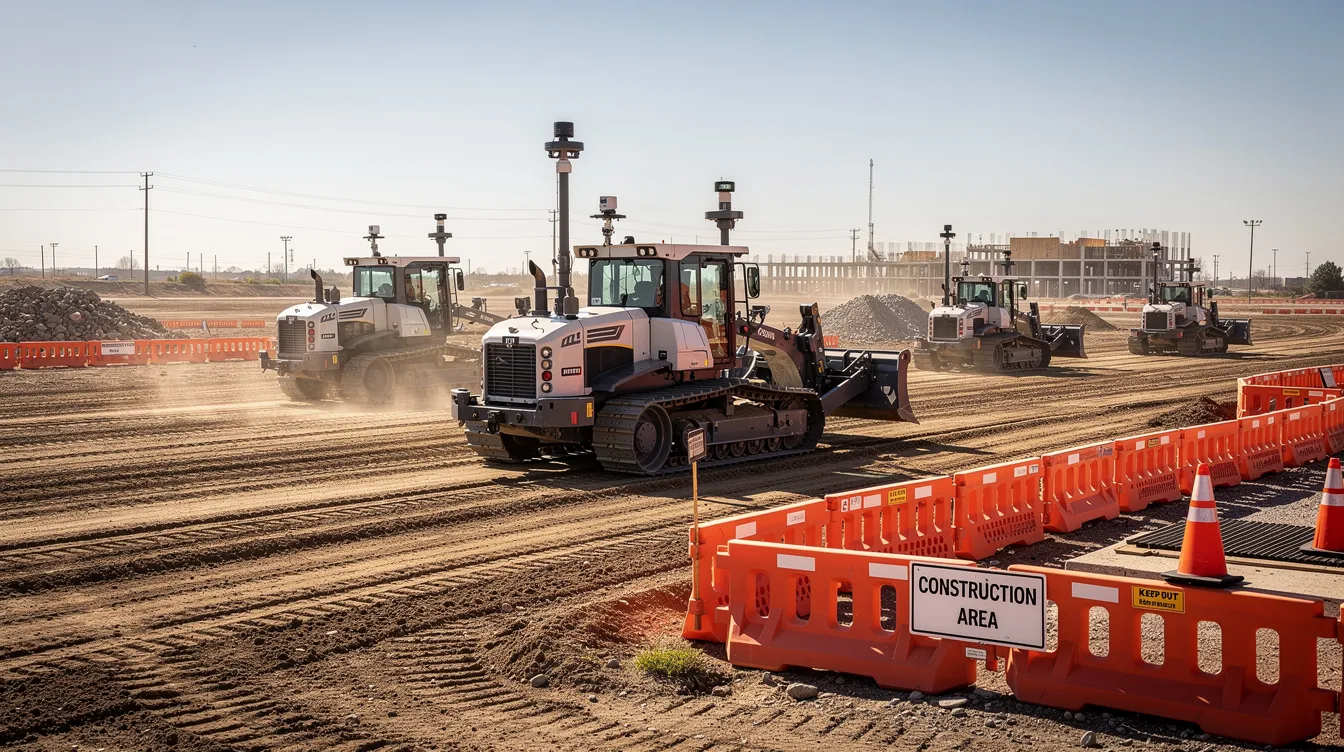
That principle is consistent with the broader guidance emerging around responsible AI use. RICS says its first global professional standard for responsible AI use in surveying practice took effect on March 9, 2026. RICS also emphasizes that AI outputs are not advice on their own and that professional judgment remains the basis of advice. While that standard applies to surveying practice, the underlying lesson is useful for construction leaders as well: automation may inform a decision, but a qualified person remains responsible for reviewing, interpreting, and standing behind it.
On a construction project, that means teams should treat automated outputs as inputs to review, not final authority. If a system flags a possible issue, the next step is not automatic acceptance. The next step is human verification against site conditions, project requirements, and company responsibilities.
In practice, that means leaders should expect teams to:
- Question surprising or unclear automated outputs before acting on them
- Check recommendations against actual field conditions
- Consider contractual, safety, and client implications before relying on a suggestion
- Record who reviewed the output and what decision was made
Automation can make decision-making faster. It should not make accountability vague.
Who Decides? Clarifying Automation Authority on the Jobsite
One of the most useful takeaways from the Construction Executive discussion is that automation decisions should not belong to one person acting alone. Leaders may approve a system, but the people who will use it and supervise its results should help determine whether it works in practice.
On a Central Texas project, authority often breaks down this way:
- Executives and owners decide which systems the company will adopt, fund, and support.
- Project managers determine how automation fits project controls, documentation, schedule management, and contractual workflows.
- Superintendents and foremen control how the system operates in day-to-day field conditions and whether it remains workable on an active site.
- Safety leaders define how automated alerts connect to inspections, hazard response, and stop-work authority.
- Field users help identify where the workflow breaks down, creates confusion, or adds friction instead of reducing it.
That shared structure matters because OSHA’s construction quick-start guidance points employers to jobsite safety and health programs, employee training, and hazard review rather than assuming new tools manage those obligations on their own. OSHA also notes that construction employers need accident prevention programs with frequent and regular inspections by competent persons. Automation may support those processes, but it does not replace the need for a responsible person and a functioning program.
For each automated system in use, contractors should define in writing three things: who owns it, who can override it, and who must review serious alerts before action is taken.
Central Texas Conditions That Raise the Stakes
Central Texas is a strong fit for this conversation because regional construction leaders are often balancing fast growth, dense trade coordination, and tight delivery pressure at the same time. Work in Greater Austin, along I-35, and in nearby growth markets frequently involves overlapping trades, complicated logistics, and active owner oversight.
That does not mean Central Texas is uniquely automated. It does mean the region gives contractors plenty of reasons to define boundaries early. On fast-track commercial, infrastructure, health care, industrial, and tech-related projects, a poorly reviewed automated recommendation can affect schedule flow, subcontractor coordination, safety response, and client communication all at once.
For merit shop contractors, that creates a practical competitive issue. Owners may welcome innovation, but they still need to trust the contractor’s judgment. A company that can explain where automation helps, where people stay in charge, and how override authority works is often in a stronger position than one that treats automation as a black box.
Build an Automation Decision Charter for One Project
One practical way to manage this is with a short project-level automation decision charter. This does not need to be a long policy manual. It can be a concise working document that gives the team a shared operating rulebook for the systems on that job.
Core elements to include:
| Element | What It Defines |
|---|---|
| Tool inventory | Which AI tools, automated workflows, robots, cameras, drones, or equipment are being used on the project |
| Purpose | What each tool is intended to support |
| Boundary | What the tool can assist with and what it is not authorized to decide |
| Named owner | The person responsible for supervising that workflow |
| Override authority | Who can stop, pause, or reject the automated output |
| Documentation | How reviews, overrides, or escalations will be recorded |
This charter should connect to systems the company already runs. If it sits outside the safety plan, pre-task planning, quality process, and field communication structure, it is more likely to become a parallel workflow that no one fully owns.
For many contractors, the best test is one active project. Build the charter for one job, let field leaders use it, and then revise it based on what actually caused confusion.
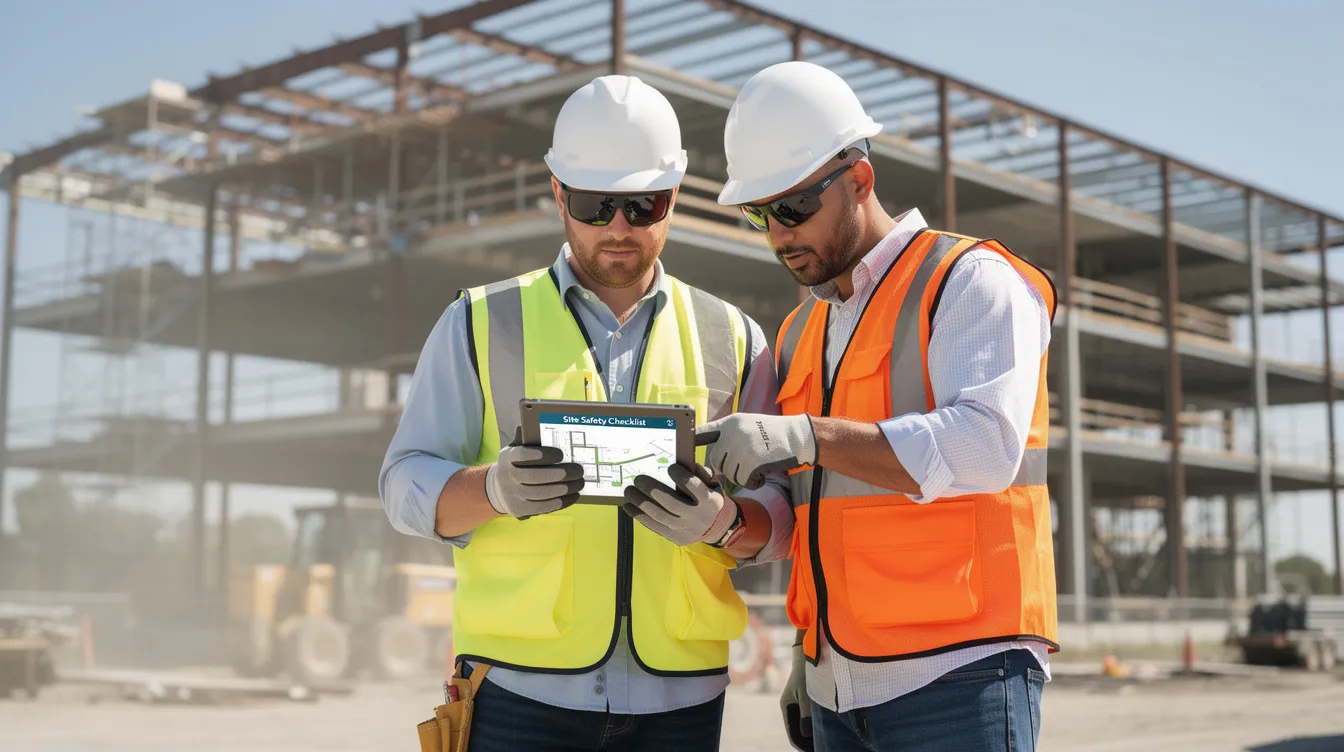
Define Where Automation Stops in Safety, Quality, and Commercial Decisions
Three categories deserve the clearest boundaries.
Safety: Automation can support monitoring, documentation, and earlier visibility into possible hazards. It should not replace competent-person judgment or stop-work authority. OSHA’s infrastructure safety guidance says a written safety and health plan or program is a vital part of the overall safety and health management system and should help ensure hazards are recognized and controlled. That makes automation a support tool inside the system, not the system itself.
Quality: Automated scans, image review, and jobsite documentation may help teams identify possible deviations or incomplete work. People responsible for quality outcomes should still review final acceptance, rework direction, and warranty-sensitive decisions.
Commercial and contractual: AI can help draft language, summarize information, or organize project records. It should not independently control claim positions, pricing commitments, scope interpretation, or schedule-relief decisions without human review.
These lines do not eliminate judgment calls. They make those judgment calls easier to manage because the team knows in advance where machine support ends, and human responsibility begins.
Integrate Automation Governance With Existing Programs
Contractors do not need a separate automation department to handle this well. They need automation governance to plug into existing operations.
- Safety programs: If a tool creates alerts about field conditions, those alerts should connect to the same response and documentation process the company already uses.
- Project controls: If a system influences schedule reporting or forecasting, the review path should match the company’s normal approval structure.
- Compliance processes: Drones, cameras, and automated documentation should support the responsible person rather than create the illusion that compliance has become automatic. ABC Central Texas’ related article on commercial drone compliance is a useful example of that distinction.
Cross-functional participation matters here. Operations, safety, project controls, and field leadership should all have a say in how automation is used. That difference often separates a useful workflow from an expensive system no one fully trusts.
Practical First Steps for Central Texas Contractors
If your company wants to improve construction automation decision-making without overcomplicating it, start with one project and one review cycle.
- List the tools already in use. Identify every AI-assisted, automated, drone-based, robotic, or monitoring workflow on one active project.
- Define the boundary for each one. Write down what the tool supports and what decisions still require human review.
- Name the owner. Assign one person to supervise each workflow and one person or role with override authority.
- Connect it to existing plans. Add short automation-response rules to the job’s safety, operations, or project-controls process instead of building a separate shadow system.
- Review mid-project. Ask field leaders what created clarity, what created noise, and where the boundaries need revision.
This is a practical way to move from general interest in automation to a real operating standard that protects accountability on a live jobsite.
How ABC Central Texas Can Help
ABC Central Texas supports merit shop contractors across Greater Austin, Waco, and the I-35 corridor with safety programs, workforce development, training, and peer learning that can strengthen how companies adopt new technology.
For contractors working through automation boundaries, the most relevant support may include:
- Safety and OSHA training to reinforce competent-person oversight and clear field decision-making
- Workforce development and apprenticeship to help leaders and crews build the skills needed to supervise new tools responsibly
- Peer events and committees where contractors can compare what is working in the field and what governance questions still need better answers
If your company is already using automation on active projects, designate a small internal group to draft a first automation decision charter and review it with the field leaders who will actually use it. Then connect with ABC Central Texas for the training, safety, and peer resources that can help turn that document into a consistent operating practice.
FAQ: Construction Automation Decision Making on Central Texas Jobsites
Below are answers to common questions about this topic.
What construction tasks are the best early fit for automation?
Structured, repeatable support tasks are usually the best place to start. That can include documentation support, scans, image capture, routine tracking, and clearly bounded automated workflows. The more a task depends on context, judgment, or risk acceptance, the more likely it should remain under direct human control.
Who should have authority to override an automated recommendation?
That depends on the workflow, but the authority should be explicit. On most projects, the relevant superintendent, project manager, or safety leader should have clear authority to reject or pause an automated output when conditions, safety concerns, or project requirements demand it.
Do small and mid-size contractors need a formal automation charter?
Yes, even if it is short. A concise written charter is often more useful for a smaller team because fewer people may be carrying more decision-making responsibility. A one-page version is better than leaving the rules unstated.
How often should automation boundaries be reviewed?
Review them whenever the project adds a new tool, changes major phases, or repeatedly creates confusion about who should decide. At the company level, an annual review is a reasonable minimum.
How is this different from general construction technology adoption?
This is narrower. Technology adoption asks whether a tool is useful. Construction automation decision-making asks where that tool should stop, who reviews its outputs, and how human accountability stays intact after the tool is introduced.