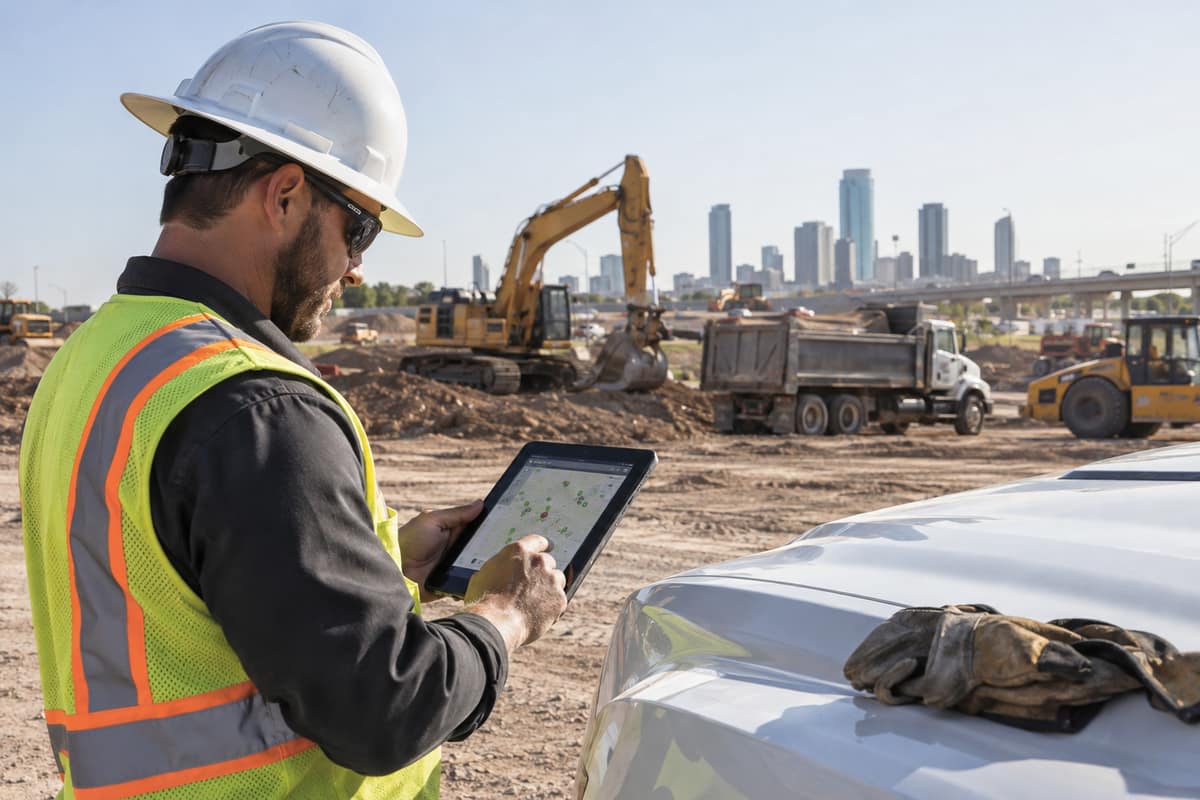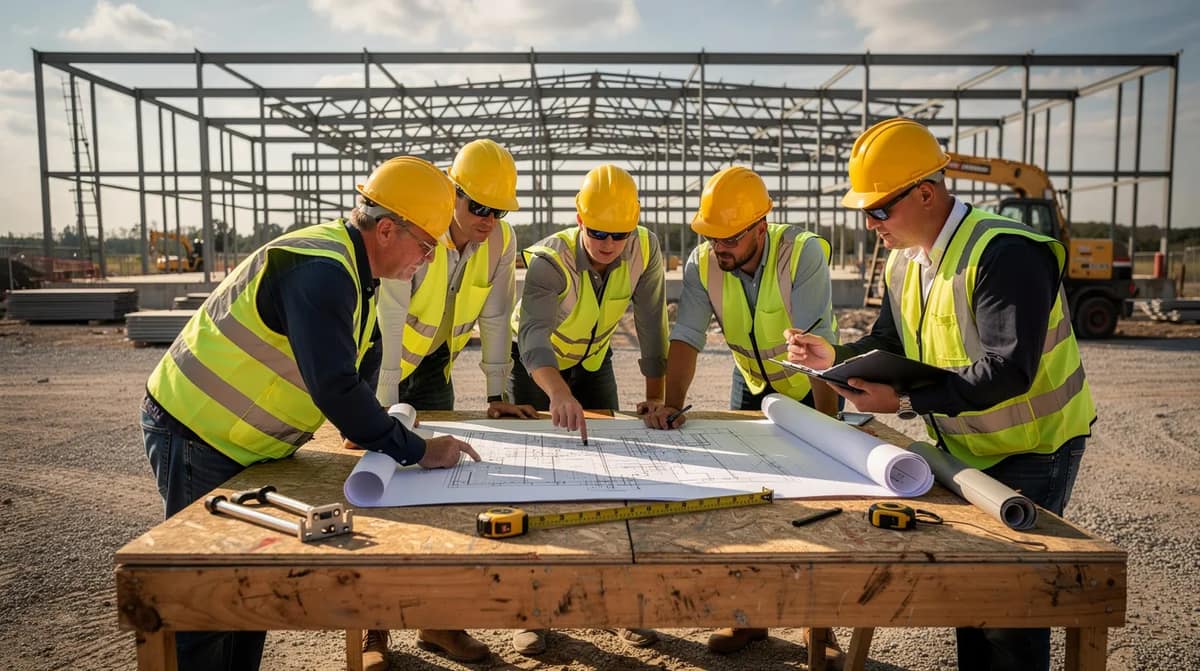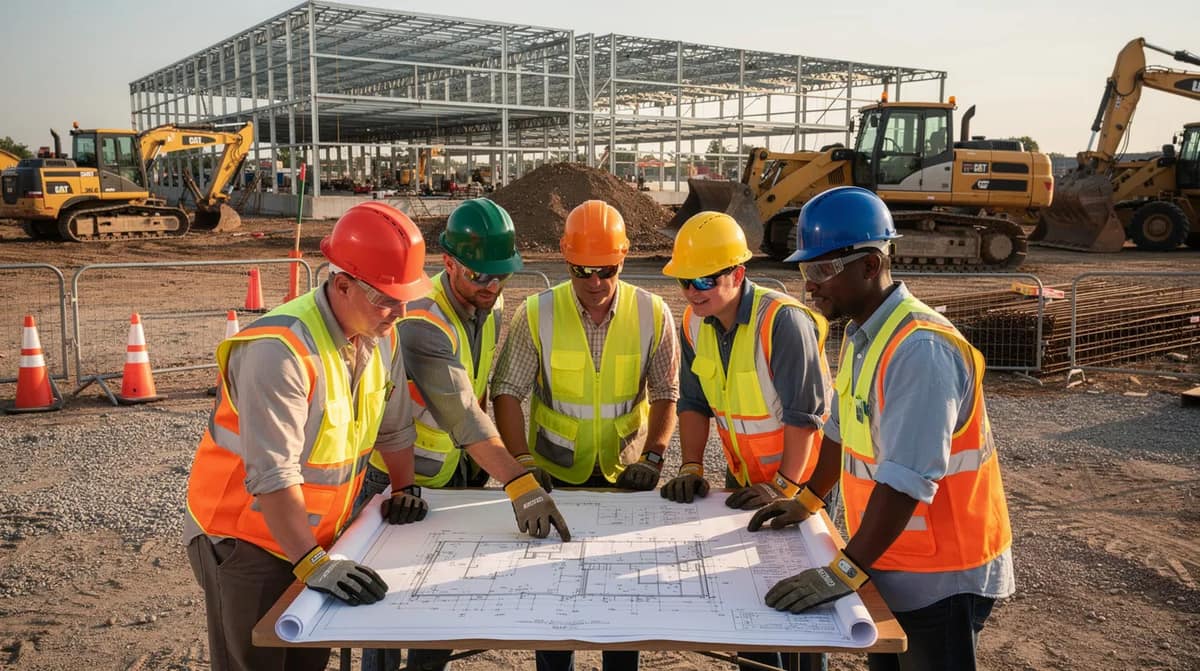


Every contractor has the same question at the end of a shift: who was actually on site today? For construction companies running multiple projects across Greater Austin, the I-35 corridor, Round Rock, San Marcos, or Waco, that question comes with a real cost. Construction facial recognition is moving from a futuristic concept to a practical jobsite tool, and Construction Executive recently explored how AI and facial recognition can deliver measurable value on construction sites. This guide breaks down what the technology can and cannot do, where it fits into your operations, and how to pilot it without creating legal or workflow problems.
Why Construction Facial Recognition Matters on Construction Sites
The core problem is attendance accuracy. An estimated 3.2% to 3.6% of the construction workforce is absent on any given day, and traditional methods for tracking who showed up are unreliable. Roughly 1 in 10 companies still use manual time-tracking systems, relying on paper timesheets, sign-in sheets, or honor systems that are easy to manipulate and difficult to audit.
Traditional methods can lead to significant productivity losses. When workers forget to sign in, when a buddy clocks someone in who never arrived, or when handwritten records are illegible, the result is the same: payroll runs on bad data, compliance records are incomplete, and project managers lose visibility into who was actually present.
Construction facial recognition addresses this by requiring the worker, not a badge, not a PIN, not a co-worker’s signature, and in some cases not even QR codes at check-in, to be physically present at the point of verification. That distinction matters for payroll, for safety compliance, and for any contractor who has ever faced a dispute about hours worked.
What Facial Recognition Can Verify on a Construction Site
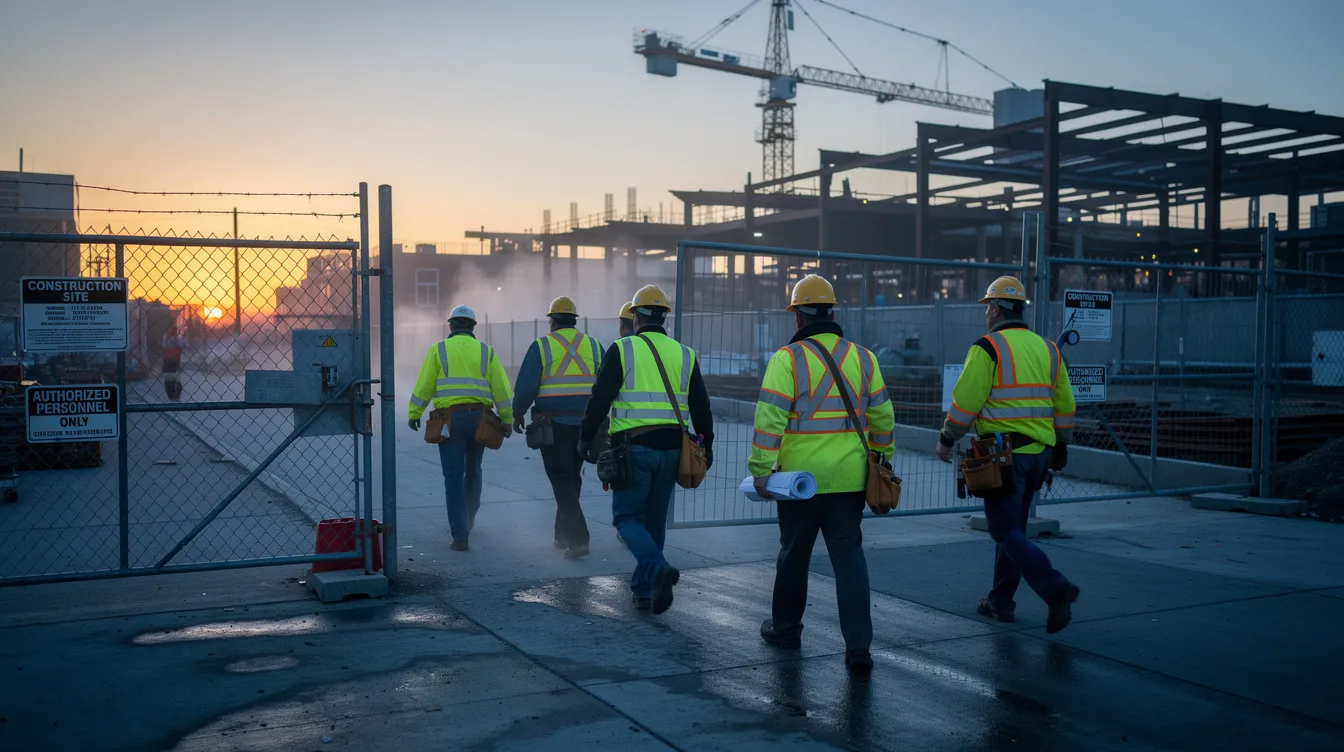
Facial recognition on a job site works by enrolling each worker’s face geometry into a central database. At clock-in, the system captures a live image and matches it against the stored template. Some systems also verify identity through a mobile app. Construction workers clock in using facial recognition technology that confirms their identity in seconds, without requiring them to remove gloves, find a badge, or wait in line.
This is fundamentally different from what a badge, ID card, or RFID card system proves. A badge proves that a credential was used. Facial recognition proves that a specific person was present. That difference is significant when you need reliable records for payroll, insurance audits, or regulatory compliance.
Facial recognition reduces buddy punching on construction sites, a persistent form of time theft in which one worker clocks in for another. It can also enhance site security by verifying authorized personnel before granting access to restricted areas or hazardous zones. Facial recognition technology can also improve operational efficiency by reducing manual sign-in procedures that slow shift changes. Some vendors also pair facial recognition with RFID tags for clock-in and attendance records.
Face Recognition Versus Badges and Manual Sign-In
Here is how the methods compare on the aspects that matter most to a construction business:
| Factor | Badges, PINs, Paper | Face Recognition |
|---|---|---|
| Identity proof | Proves a credential was used, not who used it | Confirms the enrolled individual is physically present |
| Buddy punching risk | Common and hard to detect | Dramatically reduced through biometric matching |
| Environmental durability | Badges get lost; paper gets wet | Works with hard hats, safety glasses, and some face coverings |
| Payroll accuracy | Manual errors plague over half of companies using traditional methods | Automated verification reduces disputes |
| Setup complexity | Low initial cost, high ongoing admin | Higher upfront cost, lower long-term rework |
Fingerprint scanners often fail because of dirt and weather conditions, making them a poor fit for construction sites. Face recognition handles many of the same environmental challenges more reliably, though it still has limitations in extreme lighting or when workers are wearing full face shields.
One critical distinction: identity verification does not prove productivity. A clean attendance record confirms that someone was on site during work hours. It does not confirm that they performed their tasks safely, correctly, or at all. Supervisors still manage the work; the system manages the record.
How AI Supports Time Tracking and Compliance Records
The value of AI in this context goes beyond simple face matching. AI and optical character recognition can reduce repetitive data entry when processing worker credentials. When a field worker submits a scanned safety card, OSHA certificate, or license, OCR can read and extract the relevant data: name, certification number, expiration date. AI can then structure that information and link it to the worker’s attendance profile in the system.
This matters because facial recognition can support safety compliance by linking scans to certification databases. Integration with training records is necessary to ensure only qualified workers access restricted areas. If a worker’s fall protection certification expired last week, the system can flag them at check-in rather than leaving that discovery to a manual audit weeks later.
Facial recognition systems help eliminate payroll errors from manual tracking, and automated timecards reduce manual cleanup for payroll processing. Automated timecards save payroll teams significant administrative time and minimize manual payroll corrections that otherwise eat into back-office efficiency. Real-time data visibility supports project management decisions by giving project managers accurate, current headcount and labor allocation data, while also helping them spot when tasks take longer than expected instead of waiting for end-of-week reports.
Where Construction Companies Can Use It on Site
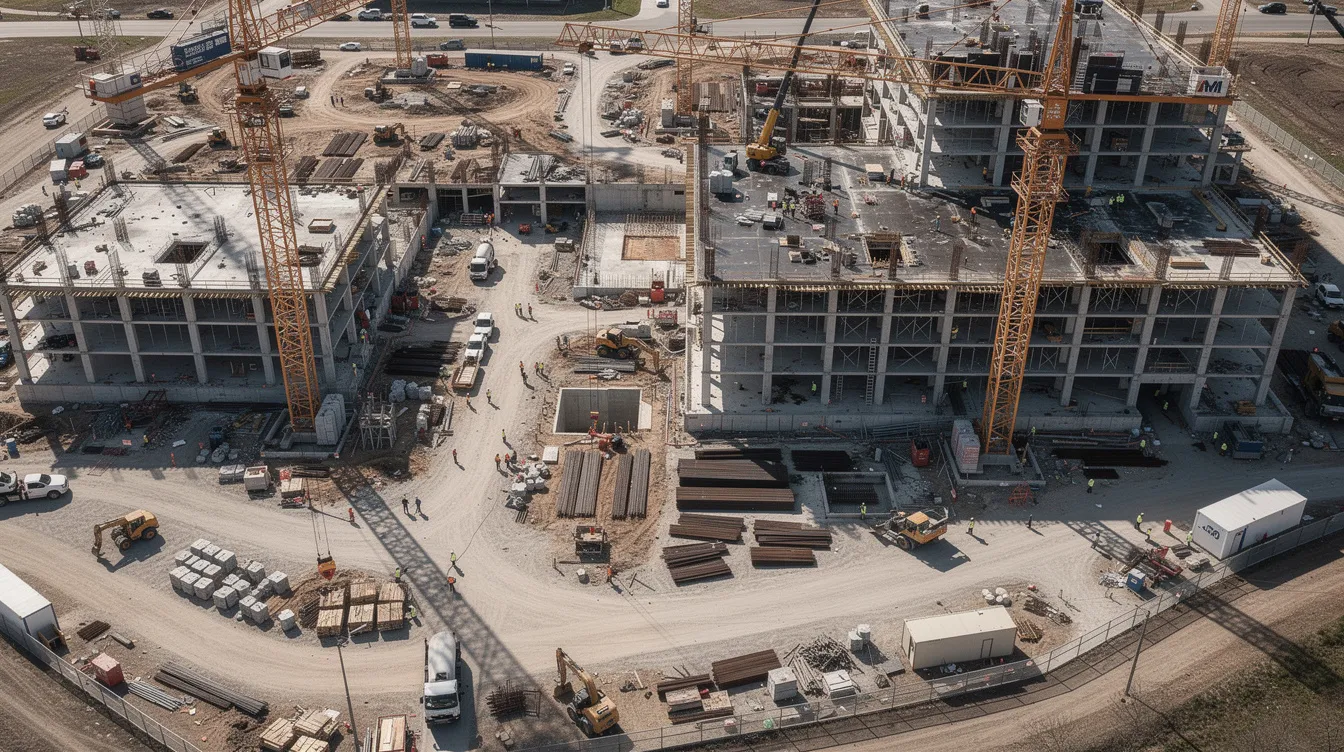
Construction facial recognition is most valuable where tracking people is most complex. That means multi-employer construction sites across Central Texas, where general contractors, subcontractors, and specialty trades overlap on the same project with different schedules, different employers, and different training requirements.
Consider the realities along the I-35 corridor: large infrastructure and commercial projects with crews rotating on and off throughout a week. In Austin, Round Rock, San Marcos, and Waco, project planning for changing crews is a constant challenge. The construction industry increasingly uses facial recognition technology for site security and labor tracking on these complex, high-turnover projects.
GPS tracking provides real-time attendance verification on job sites and enhances oversight of employee attendance, adding a geofencing layer that confirms workers are at the correct location when they clock in and helps managers verify employee locations across different jobsites. Automated attendance systems can drastically reduce wait times during shift changes, keeping construction teams moving instead of standing in line at a sign-in table. Facial recognition systems can support emergency evacuations with accurate headcounts, giving safety teams an instant roster of who is on site if an incident occurs.
When reliable work-hours data supports payroll review, contractors reduce costs from disputed overtime, inflated hours, and administrative rework. For any construction company running multiple projects with mobile crews, this is where the technology earns its keep.
What Facial Recognition Cannot Replace in the Construction Industry
Facial recognition systems should supplement existing safety protocols, not replace them. A camera at the gate does not watch for fall hazards, monitor heat exposure, or enforce lockout/tagout procedures. Safety oversight remains a human responsibility that technology supports but cannot perform.
Construction sites face unique challenges affecting facial recognition performance, including environmental conditions such as dust, direct sunlight, extreme heat, and heavy PPE. False positives in facial recognition can lead to unauthorized access or prevent authorized entry, and reliability can vary under harsh site conditions. When the system fails to recognize a legitimate worker due to lighting, a dirty lens, or a face shield, supervisors must review questionable matches and make the call. Building that human review step into the process is not optional; it is essential.
The technology also cannot replace worker training. Every crew member needs to understand the enrollment process, what counts as acceptable imaging (for example, briefly removing a face shield), and how the data will be used. Without that understanding, even the best system will generate friction and resistance.
Privacy, Bias, and Employment Compliance Boundaries
Privacy regulations affect how construction companies implement facial recognition technology, and as these systems expand, contractors that skip legal review risk penalties and workforce trust issues. Effective implementation of facial recognition requires clear communication of data privacy policies to workers before the first scan.
Facial recognition systems must comply with U.S. biometric laws. In Texas, the Capture or Use of Biometric Identifier Act (CUBI) defines face geometry as a biometric identifier. Employers must obtain consent for biometric data collection, provide notice before capture, protect stored data, limit disclosure, and destroy records within a reasonable time after the purpose expires. Violations carry civil penalties of up to $25,000 per incident.
Facial recognition technology must respect employees’ privacy rights. That means giving workers clear answers about what data is collected, who can access it, how long it is stored, and how they can correct errors. California requires minute-by-minute timekeeping for payroll compliance, adding another layer of regulatory complexity for contractors working across state lines.
When implemented correctly, facial recognition improves labor-law compliance, and automated systems reduce disputes. It can be a game changer only when those governance controls are in place. But the system itself must be governed carefully: notice, access, retention, and consent are not optional features; they are legal requirements.
EEOC and OSHA Considerations for Face Recognition
The EEOC has made clear that employment decisions made with AI or other automated tools must still comply with federal anti-discrimination laws. Facial recognition should not make disciplinary decisions, termination calls, or pay adjustments without human review. Using biometric devices to evaluate facial expressions, flag patterns, or single out workers based on characteristics linked to race, age, sex, or disability creates discrimination risk.
OSHA’s construction resources are designed to help employers identify, reduce, and eliminate construction-related hazards. Any facial recognition or AI workflow should support that mission, not create a false sense of security. The technology is a records tool, not a safety management system.
How to Pilot Facial Recognition in a Construction Business
Start with one representative construction site, not a companywide rollout. Choose a project that reflects your typical crew size, subcontractor mix, and schedule complexity.
Before deployment, define baseline attendance errors: how many payroll disputes occurred last quarter? How many hours does your team spend on manual time tracking corrections each week? How often do workers forget to sign in? These numbers give you a clear before-and-after comparison.
Set a proposed 30-day evaluation period with defined success measures: fewer sign-in errors, faster verification at shift changes, cleaner training and compliance files, and reduced payroll rework, then compare those results against the effort you expected during setup and payroll integration.
Several platforms on the market support this kind of pilot. Workyard integrates seamlessly with payroll systems like QuickBooks. HiSharp’s system supports integration with third-party payroll management systems. PunchIn syncs clock-in data to cloud dashboards for payroll accuracy. Ask vendors for free trials before you commit to a platform. Evaluate which integration path fits your existing technology setup and whether the system works on mobile devices under field conditions: heat, dust, glare, and intermittent connectivity.
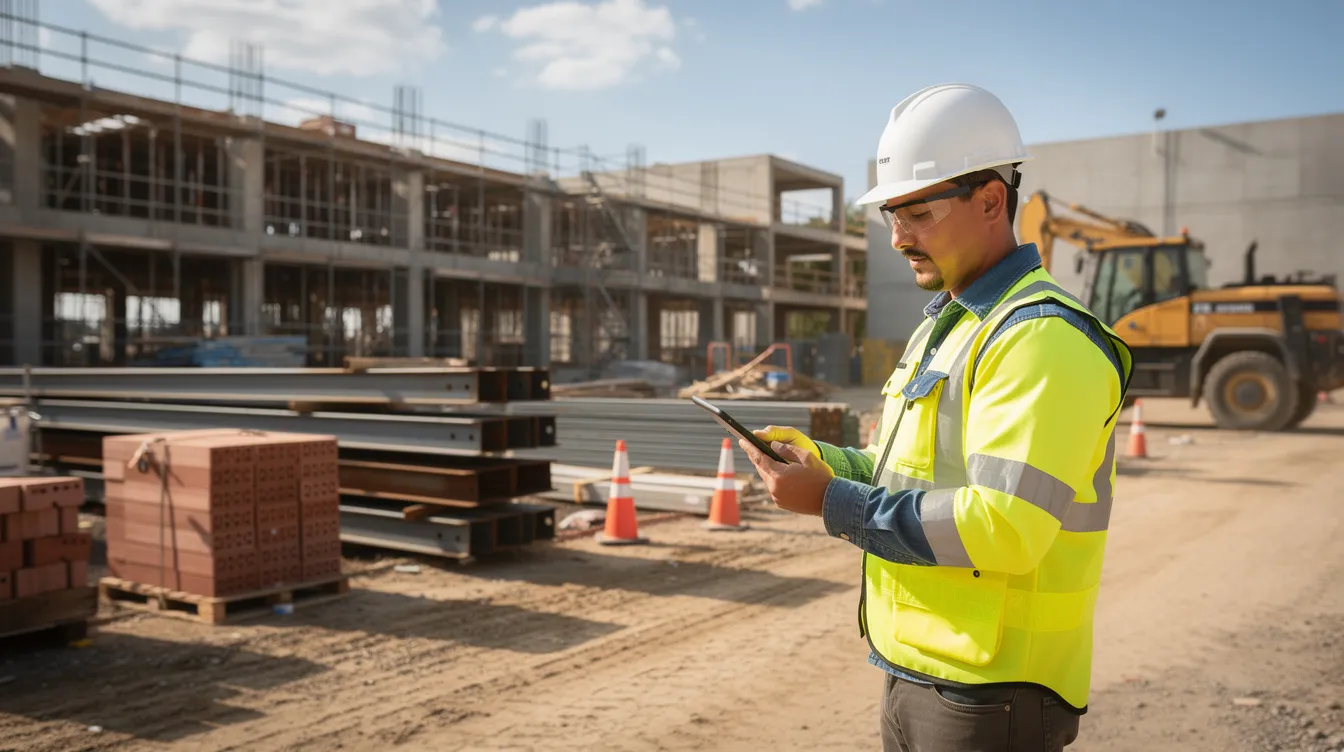
Test enrollment under real conditions. Can your field workers enroll while wearing hard hats and safety glasses? Does the system work in shade and direct sunlight? Does it function offline and sync later? These are the questions that matter more than any feature list.
Central Texas Implementation Checklist for Construction Leaders
Use this checklist before committing to any platform or vendor:
- Audit your current sign-in workflow. Document how construction teams currently track time, which codes and processes are used, and where known errors or disputes originate.
- Assign one accountable project owner. This person manages enrollment, technology oversight, legal compliance, and pilot reporting. It could be your safety director, HR lead, or operations manager.
- Test enrollment under field conditions. Enroll workers in full PPE, in varying light, and with the face coverings your site requires. Verify that raw images produce accurate templates.
- Set evaluation criteria. Define what success looks like before the pilot starts: fewer attendance errors, time saved in payroll processing, and faster compliance record turnaround.
- Complete a legal and privacy review. Confirm compliance with Texas CUBI, establish informed consent forms, define data retention policies, and document who can access biometric records.
- Communicate with your workforce. Inform workers about what data is collected, why, and how it is protected. Address concerns directly. Resistance drops when the process is transparent.
- Define what the system will not be used for. Specify that facial recognition will not serve as the sole basis for discipline, termination, or adverse employment decisions without supervisor review.
Conclusion: Decide Whether Facial Recognition Fits Your Jobsites
The strongest use case for construction facial recognition is straightforward: more accurate attendance records, reliable proof of who was on site, and cleaner compliance data. For contractors managing a complex construction workforce across Central Texas, that translates into fewer payroll disputes, faster audits, and better labor cost control.
But no technology is worth deploying without the right controls. Privacy review is not a nice-to-have; it is a legal requirement under Texas law. Bias testing, consent procedures, and human oversight must be part of the system from day one.
The practical next step is not buying software. It is auditing your current identity verification and compliance workflows. Identify where errors occur, what they cost, and whether a controlled pilot on one project with clear legal and privacy review would address the problem. Start there, measure results, and let the data drive the decision to scale.